When news first broke of Google Reader closing down, two clear choices came up as replacement options - Feedly and Bloglovin’. I originally took to Feedly, but after too many glitches including not being able to clean up my blog list to only those that I read now, I switched to Bloglovin’ and haven’t looked back.
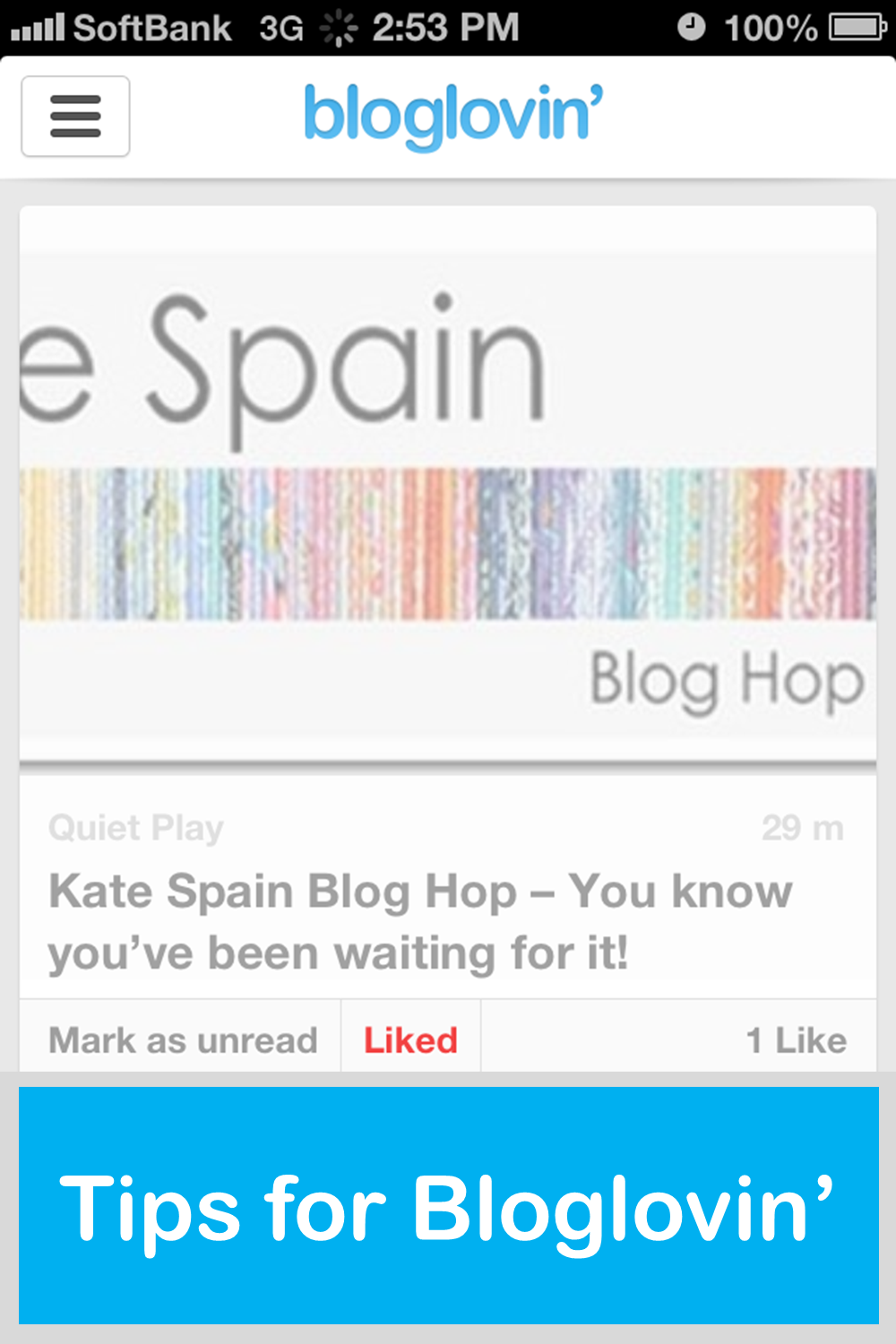
When you are on the computer, you have to open each blog post in a new window. That’s the one really annoying thing about it. So instead, I use the Bloglovin’ app on my phone to read all my blogs. Not only does it mean I can read my blogs on the go whenever I have some spare time - in bed, on the train, on the toilet… But it means I can bookmark the blogs that I want to go back to later on the computer to comment on, enter a giveaway, Pin an image, etc.
To read the post, you just tap on the snippet and it will load the blog post in full (unless the blogger only shares partial posts in their feed, in which case you have to click through “View Original Post” to view it all). To bookmark, simply click the “Like” button on the front page, or the Heart in the post.
Then when you’re on your computer, head to the Liked Posts option on the right-hand menu bar. Then click through to each post and do what you want to do! I sometimes “unlike” posts to keep track of which blogs I’ve gone to, or sometimes just leave them liked if I’ve finished them all.
On my blog today, I’m also sharing how to move from Google to Bloglovin’ - from importing your Google Reader, to getting your readers to follow your blog via Bloglovin’. Next week I’ll be sharing about how to improve your Bloglovin’ setup to make it a bit more user friendly!


Living in Japan for 3 years, Alyce spends her days mothering 2 little monkeys, quilting, blogging at Blossom Heart Quilts, and revelling in the fabrics of Japan!




 DIY: Sewing Machine Extension Table
 How to Sew a Simple Pencil Case
 Bookmarks for Mother's Day
 Christmas Trees on Pinterest
 Big Blue Tote





Great tips, Alyce!
Actually Amy recently posted..Hello, Friday
Just thought I’d mention for anyone else reading that I’ve been using feedly since we first heard the google reader news and I’ve never had the problems you mentioned. I’ve never had to open a blog post in a new window with feedly. Haven’t had any problems organising the blogs I follow either - I can do them into categories (when I changed from google they all came in those categories, but they are easy to change), and it’s easy to delete a feed you no longer read! I’m really happy with it, and it works really well. It’s the best I’ve used at syncing between your phone and computer. Also they have a really handy chrome extension that makes it easy to add a website you’re viewing to your feed.
I’m sorry to hear you didn’t have a good experience with feedly, as it’s a really effective reader!
Talia recently posted..Dear Lior : Seventeen Months
I’m glad it’s working for you! I wish it had for me, because it was a little less fiddly, but I couldn’t delete any feeds and it kept freezing on me in Firefox! Maybe they’ve sorted that out now?
Alyce recently posted..All You Need To Know About Bloglovin’